Local-first design suite · public beta
Design locally.One canvas.
One application for vector, layout, typography, motion, and print — no account, no subscription, with native Linux performance and files that stay on your machine.
Linux · macOS · Windows · Free and source-available (FSL-1.1-MIT)
The real interface
One application,
every discipline.
This is Varve as it runs today — the same document model, layer system, and shortcuts across vector, layout, typography, motion, and print work. The beta label is deliberate: the interface you see is the interface you get.
Tour the interface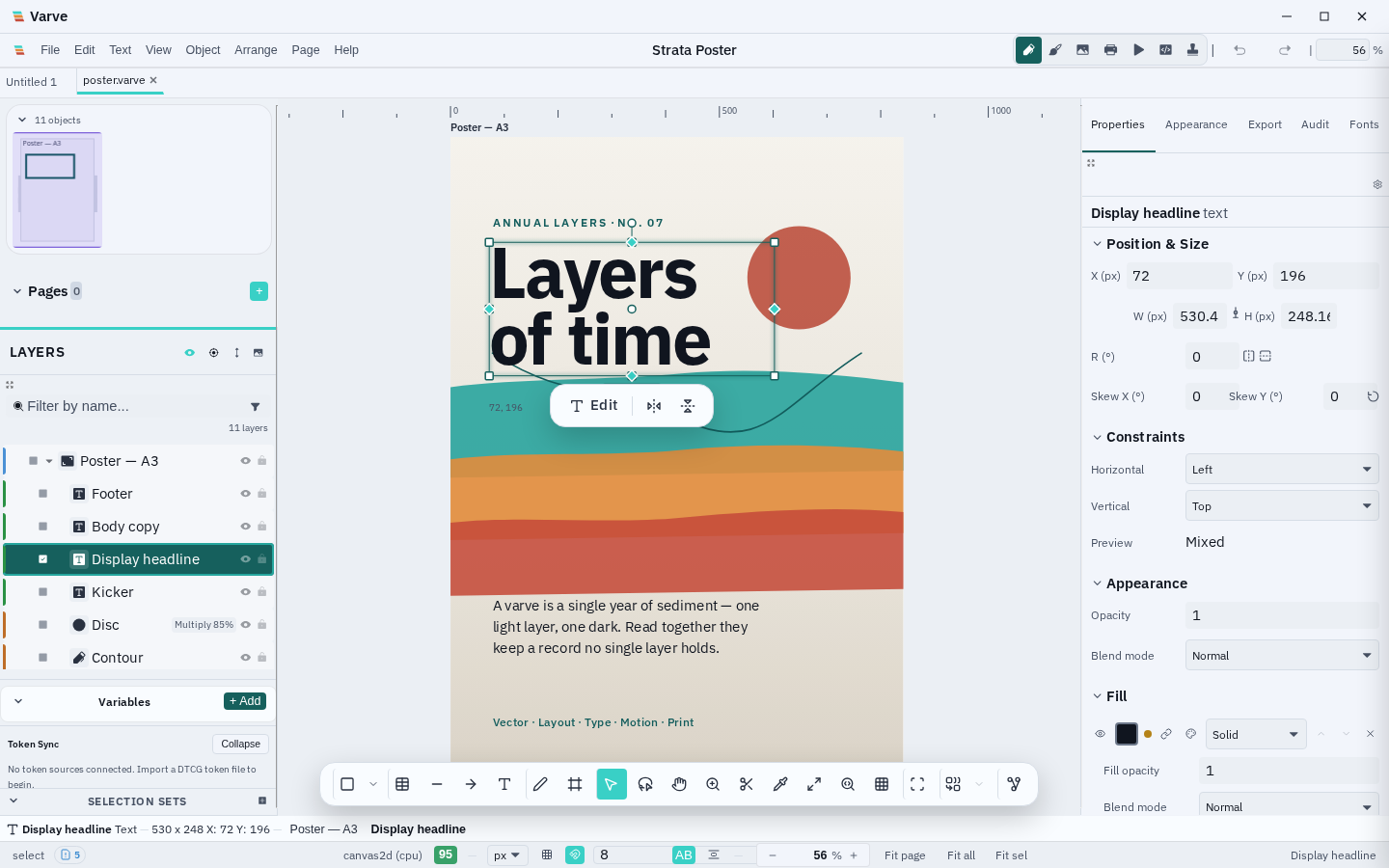
Why Varve instead of the usual options
No account wall.
No subscription. No cloud dependency.
Figma requires a browser and an account. Illustrator requires a Creative Cloud subscription. Inkscape doesn’t do CMYK print or motion. Varve combines vector, layout, typography, motion, and print in one native desktop application — with local files, no account, and no recurring cost.
Compare Varve to other toolsWhat you can do
Six disciplines. One document.
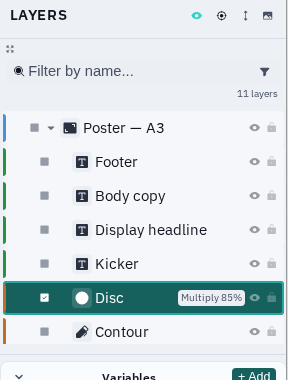
Most work spans categories. Varve keeps the vector, the layout, the type, the motion, and the print run in one document — one layer system, one set of shortcuts.
Precision paths, native speed
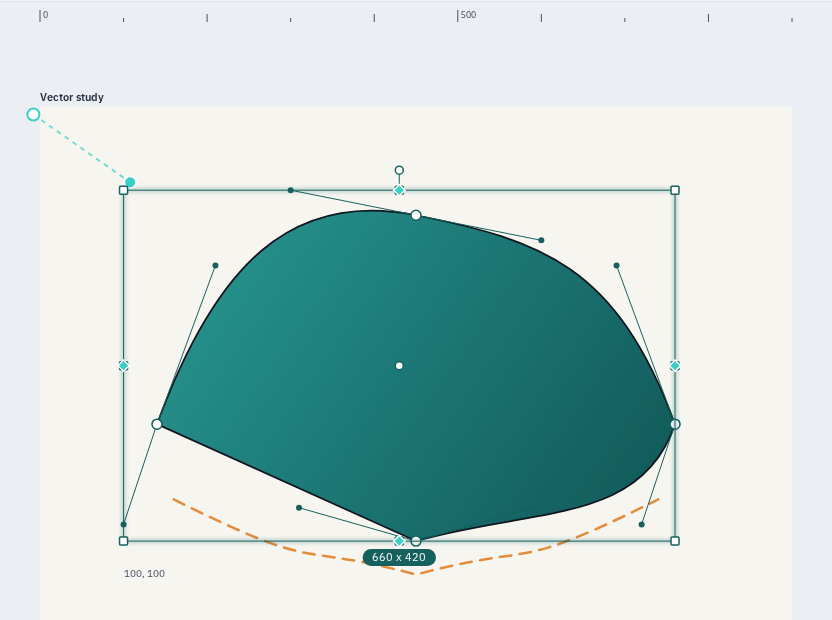
Shapes, bezier paths with handles, boolean operations, node editing, and sticky snap — computed by a native Rust geometry engine, replayed to canvas.
- Pen and pencil with live handles
- Boolean operations and node editing
- Sticky snapping with smart guides
Pages, frames, and flexible layout
Multi-page documents, frames with constraints, and flex-based auto-layout — the same document model across design and print pages.
- Multi-page documents with master pages
- Flex and auto-layout
- Frames with constraints
Text that reads like a book
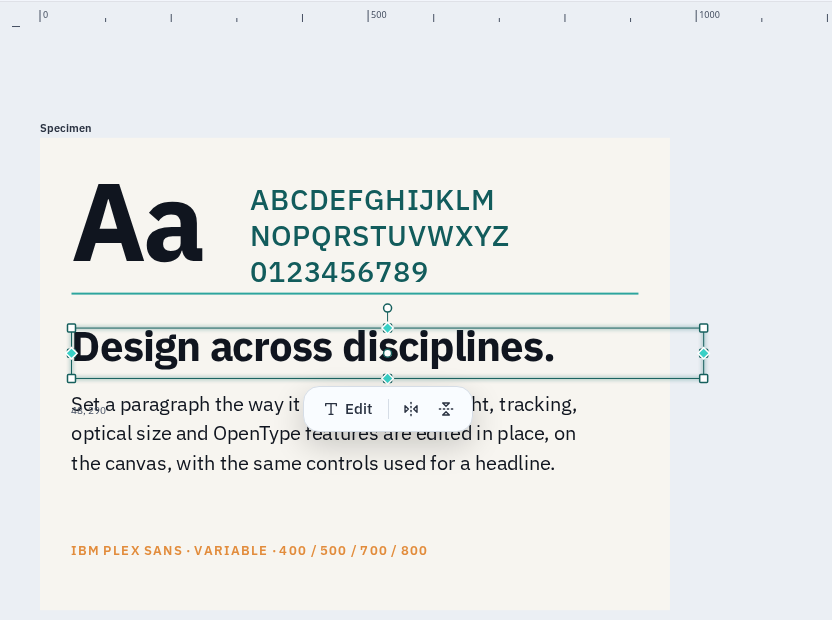
Multi-line text with OpenType features, variable fonts, text-on-path, CJK line breaking, and Unicode-aware layout foundations — with canonical shaping still being integrated.
- OpenType features and variable fonts
- Text on path and inline editing
- CJK line breaking
Timelines, not afterthoughts
Keyframes, easing curves, and Smart Animate on a real timeline — exported to CSS, Lottie, and video for the web and beyond.
- Timeline keyframes and easing
- Smart Animate between states
- CSS, Lottie, and video export
Interactions without handoff
Trigger-based prototype interactions with transitions and navigation — test the flow in the same document you design.
- Triggers, actions, and transitions
- Click-through navigation
- Same document, no sync step
Born for print production
CMYK colour management, ICC profiles, PDF/X export with crop marks, and halftone screening — poster to booklet without leaving the app.
- CMYK and ICC colour management
- PDF/X-1a and PDF/X-4 export
- Crop marks and bleed
Why one environment
Your work does not fit
into one category.
Neither does Varve.
A poster needs vector shapes, typography, and print output. A social set needs layout, animation, and export. A product UI needs components, prototyping, and developer handoff.
Instead of switching between separate applications and rebuilding your context each time, Varve keeps the work in one environment: one document model, one layer system, one set of shortcuts.
Read the full product storyLocal-first by design
No account required.
No account. No mandatory cloud sync. Varve stores documents locally and core editing works offline. The desktop app writes files to your disk; the browser build uses local browser storage. Optional model downloads, online font/icon search, user-configured providers, update checks, and consented aggregate analytics are separate network features.
Desktop document files you can copy, back up, and own.
Core editing runs on your hardware without an account.
No design content is included in optional aggregate measurements.
Where Varve is today
An honest beta.
The latest published release, Varve 0.2.1, is out for Linux, macOS, and Windows. Core features work, but you should expect rough edges and evolving file formats — great for exploring workflows, not yet for critical production deadlines. Keep backups of anything you care about.