Examples
Downloadable starter files aren't ready yet (see below). Until they are, here's what real Varve documents look like — actual screenshots from the running app, not mockups — each paired with the feature page behind it.
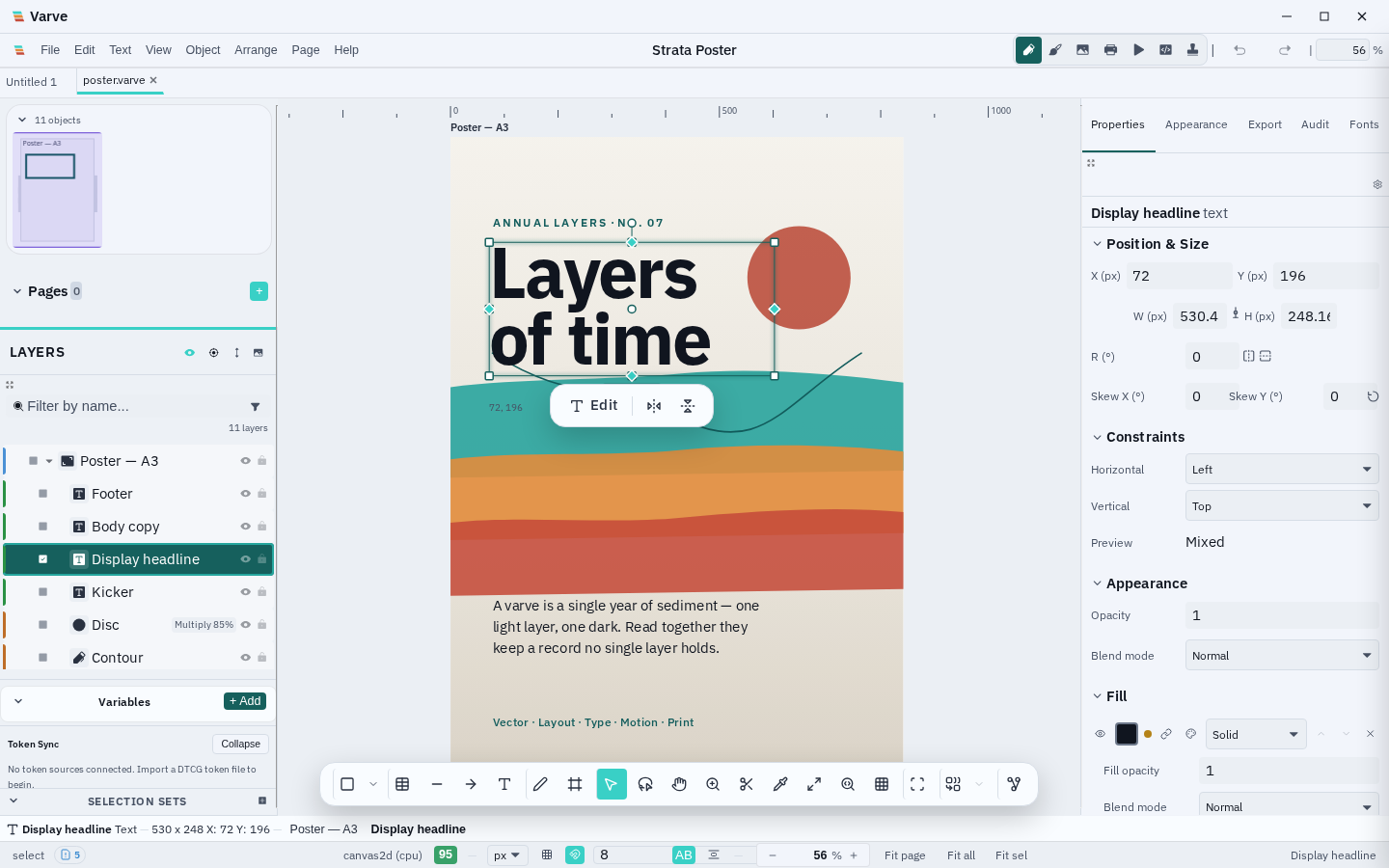
A poster, start to finish
One document, one window: canvas, layers, and the properties inspector together. A reasonable starting point for any single-page piece — a poster, a flyer, a social post.
See the product overview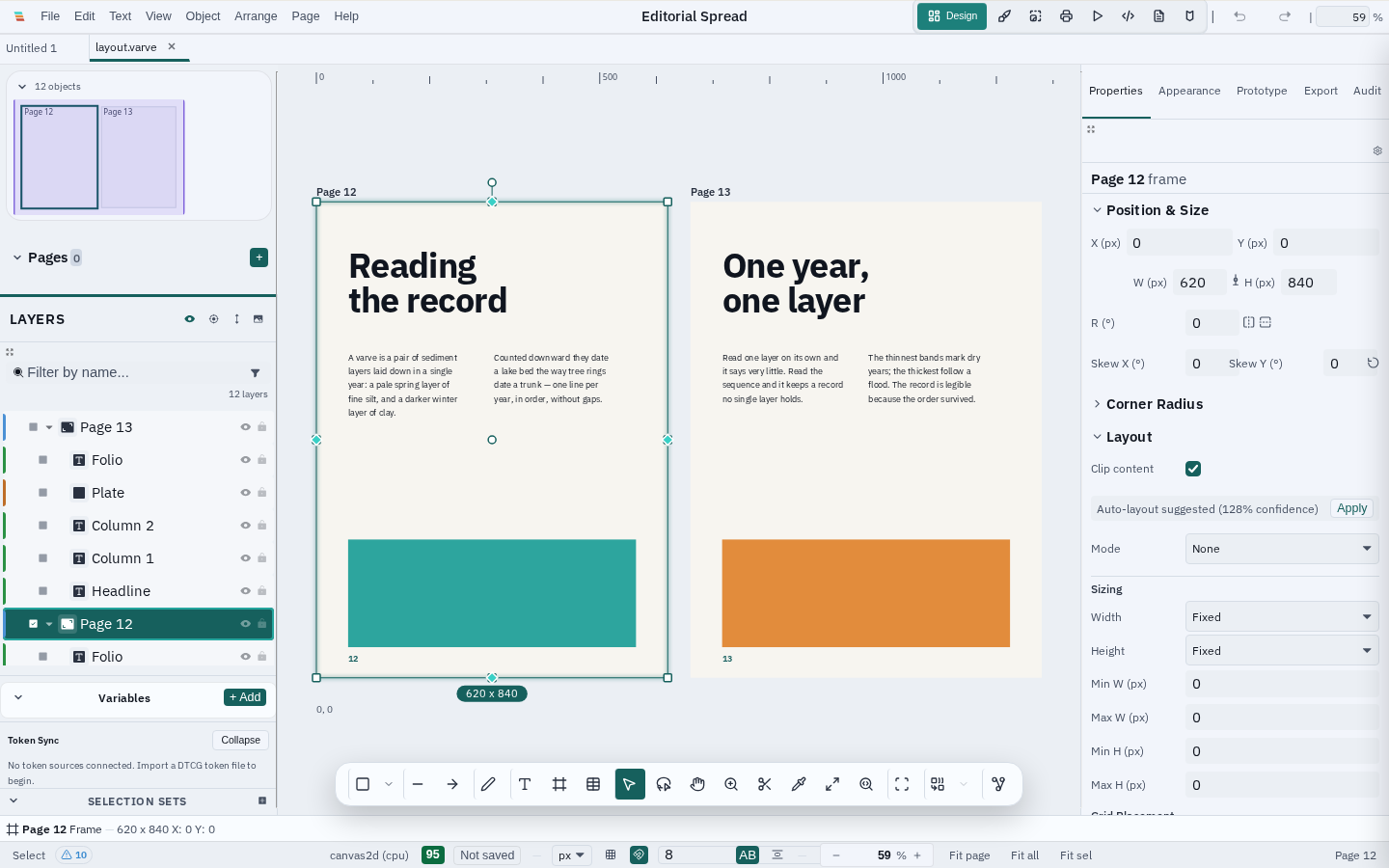
A two-page editorial spread
Headlines, two-column body text, and image plates across a multi-page document — the shape of a magazine spread, a zine, or a report.
See the canvas & layout feature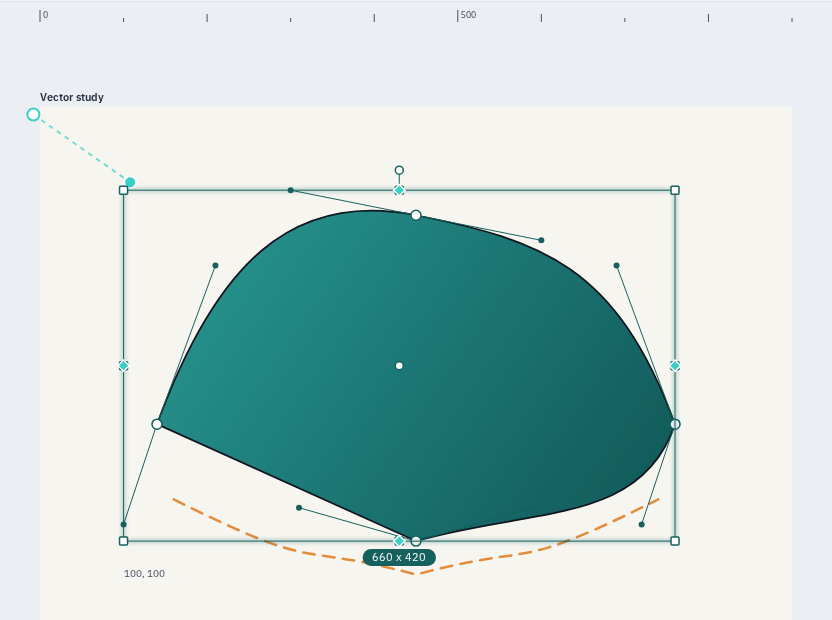
Precise vector work with live handles
A curved shape with its anchor points and Bézier handles visible in node editing mode — the kind of control precision illustration and icon work needs.
See the vector tools feature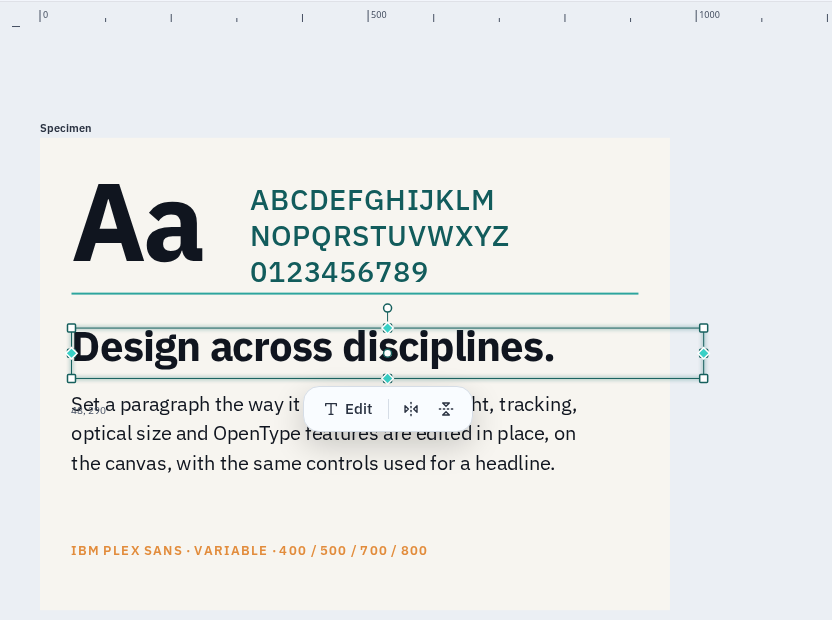
A type hierarchy, set and specimen
A display character, a character set, a subhead, and a body paragraph together — useful for testing a typeface pairing before committing to it.
See the typography feature
Keyframe animation on a timeline
A timeline track for a selected layer — the building block for a simple looped animation, an interface micro-interaction, or a prototype transition.
See the motion feature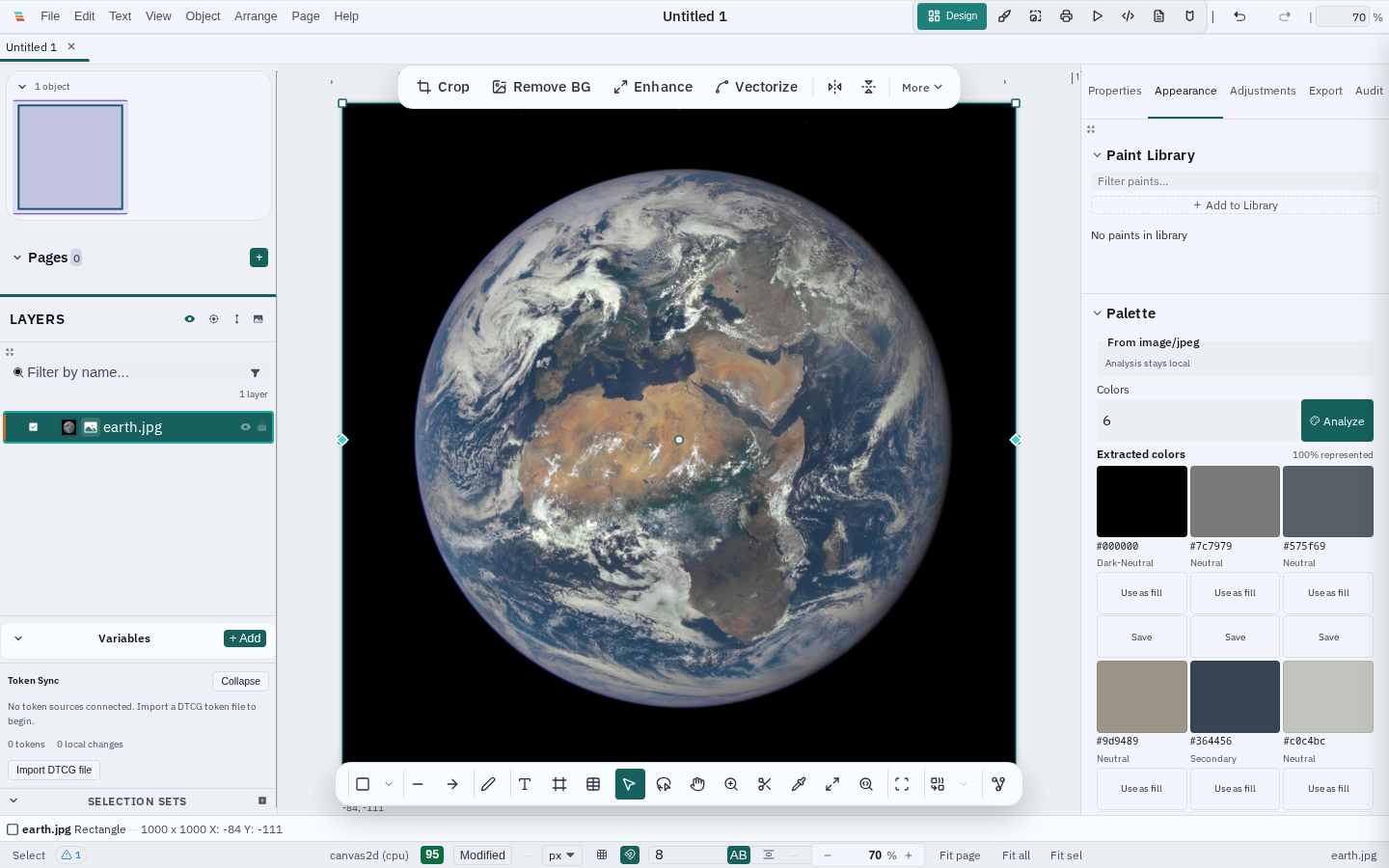
A palette pulled from a photo
Extracted swatches, generated harmonies, and WCAG contrast pairs from a real photo already in the document — a fast way to ground a color system in something real instead of guessing at hex values.
See the color & effects featureStarter files — planned
Downloadable .varve example documents (a component library, mobile mockups, an icon set, a brand identity system, an animation showcase) are on the roadmap but don't exist yet. Building and sharing one is a concrete way to contribute — see the contribution guidelines.
Want to contribute an example?
Share a real document with the community. See the contribution guidelines.