Vector Tools
Complete vector design tools with shapes, paths, boolean operations, and precision editing.
What It Is
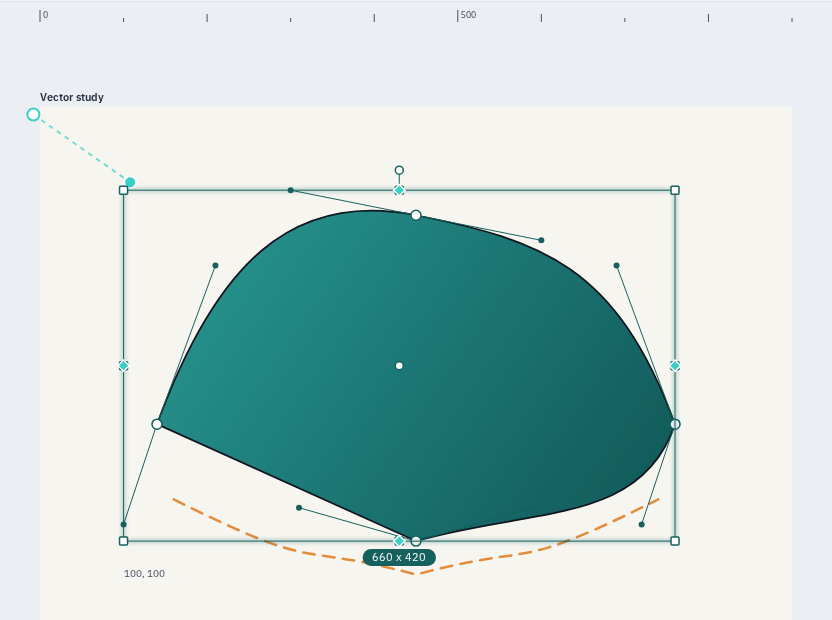
Varve provides a comprehensive set of vector design tools including shape primitives (rectangles, ellipses, circles, lines), path editing, boolean operations, and transformation tools. All vector operations are backed by the kurbo geometry library for precision and performance.
Key Capabilities
- Shape primitives: Rectangle, ellipse, circle, line, arrow, polygon, star with precise controls
- Pen tool: Click to place bezier anchors, drag to create smooth handles, corner/smooth toggle
- Pencil tool: Freehand drawing with automatic bezier curve fitting (Schneider algorithm)
- Node editing: Select and drag individual anchors and bezier handles on any path
- Boolean operations: Union, subtract, intersect, exclude on selected shapes
- Transformation: Move, rotate, scale with affine transforms and centroid-based scaling
- Layers: Virtualized layer tree with search, filter, thumbnails, drag-to-reorder, inline rename
- Groups and frames: Group/ungroup, spatial containers with flex and grid auto-layout
- Snapping: Sticky snap to edges, centers, and other objects with configurable thresholds
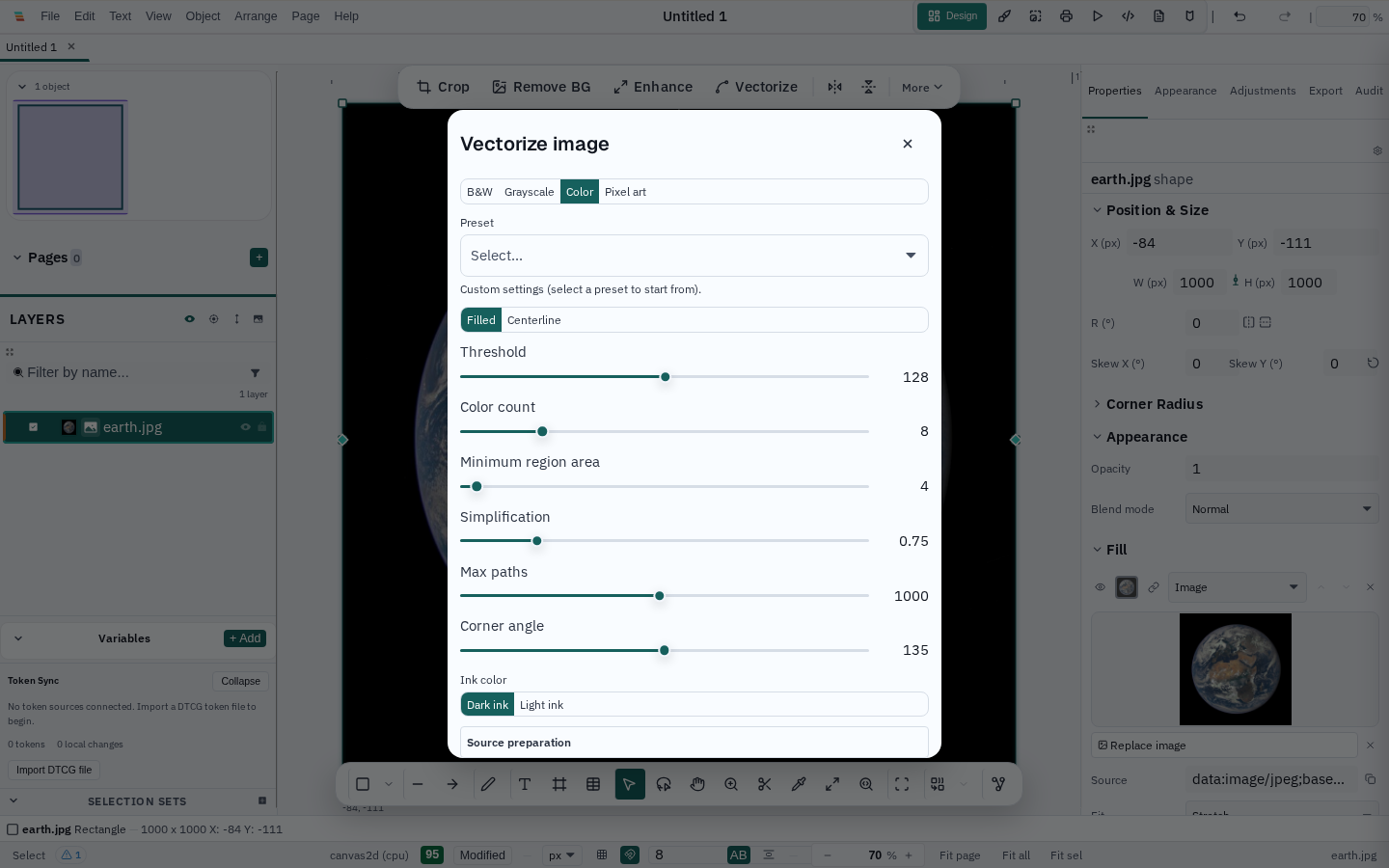
- Image trace: Convert a raster image to editable paths locally, in black and white, greyscale, colour, or pixel-art modes
Technical Depth
The vector system is built on kurbo, a Rust geometry library providing Point, Rect, Affine, Circle, Ellipse, Line, and Path types. The ShapeNode enum encapsulates all shape types with point-containment testing for hit detection. The scene graph uses fractional-indexing for CRDT-safe concurrent ordering.
Path editing uses bezier handles with smooth/corner toggle. The pencil tool fits freehand strokes to cubic bezier curves using least-squares optimization. Boolean operations use polygon clipping with support for self-intersecting paths and degenerate geometry.
Limitations
Current limitations:
- Complex boolean operations on curved paths may produce approximate results
- Auto-layout reflow triggers on insert/remove but not on property changes