In development
Visual awareness, on the designer's terms.
Varve is building task-specific visual tools that help with real design decisions without turning your document into a model playground.
A requestProtect faces
A capabilityFace bounds
An editable resultNon-destructive crop
Available today
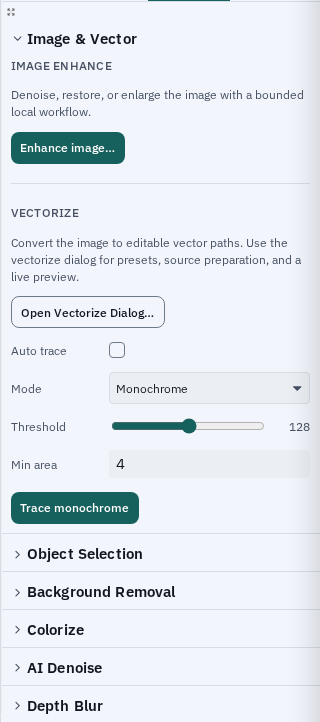
Object SelectionPrompt an image locally, refine the mask, and keep the result editable.Background removalChoose a local quality level and review the mask before applying it.
Protect Faces is available in crop mode: a small bundled local model keeps detected faces in frame with a non-destructive crop.
In development
- Face-protected effects and static landmarks for meaningful anchors.
- Additional hand, pose, object, and person workflows only when a design feature needs them.
Local by default, honest by design
Images are not uploaded for these workflows. The face model is a small bundled model (233 KB, MIT) verified by checksum, and larger model downloads are explicit and checksum-verified when present. Importing an image does not silently trigger a general vision scan, and visual results do not become a hidden rendering dependency.