Logos and silhouettes
Filled contours, retained counters, useful corners, and compact curves for marks that need node editing.
Turn a local raster asset into ordinary editable paths without sending the artwork away. Choose the tracing intent, prepare the source, inspect the result, and apply only when the preview is useful.
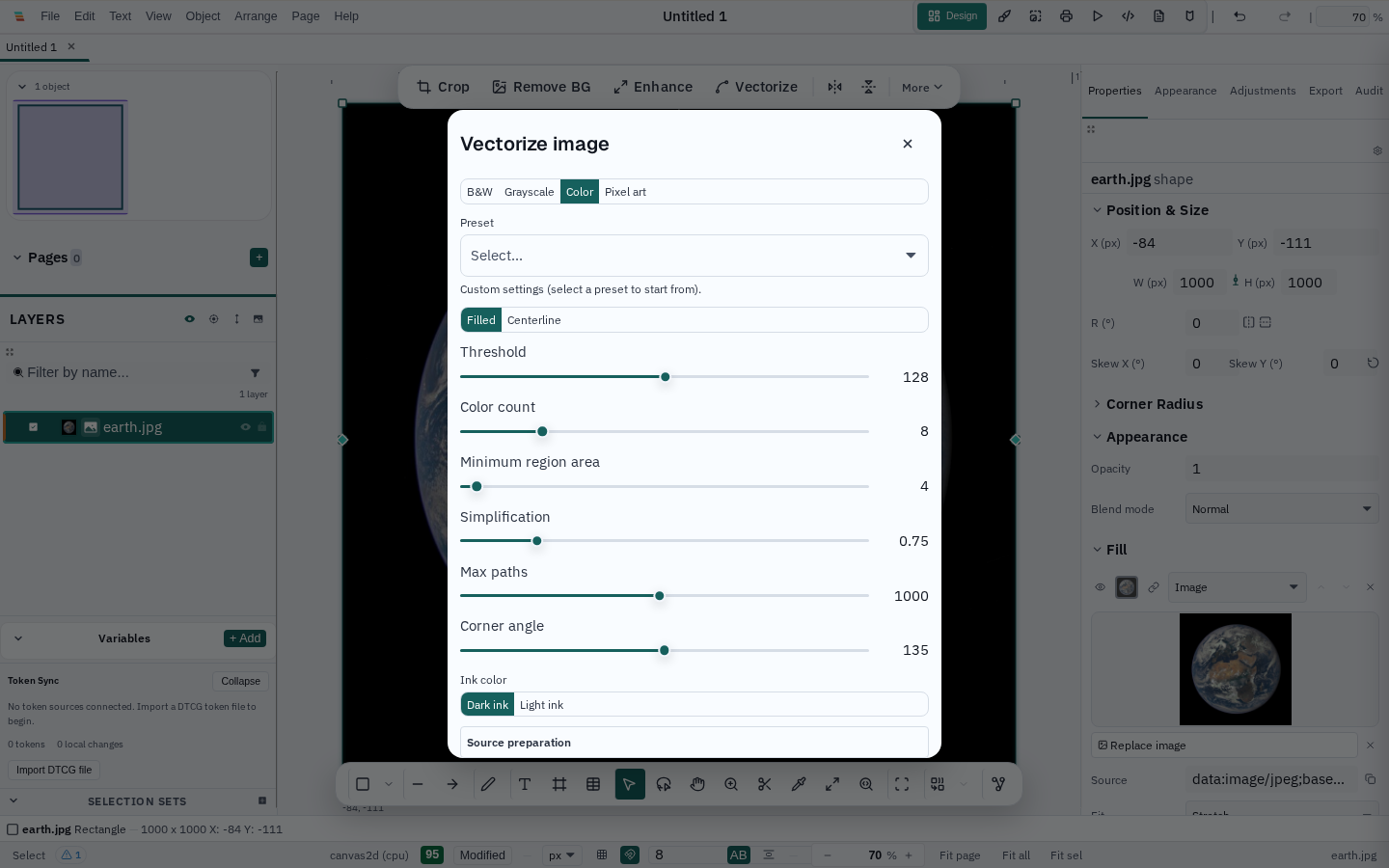
Filled contours, retained counters, useful corners, and compact curves for marks that need node editing.
Optional grayscale, denoise, fixed threshold, or adaptive threshold for uneven paper and light ink.
Bounded palette quantization with separate fills. Use stacked output when independently simplified colour edges need cover.
Nearest-neighbour preparation and hard pixel-aligned regions, with no curve smoothing or anti-alias promise.
Recover editable strokes with endpoints, branches, loops, and a measured stroke width instead of pretending an outline is a centerline.
Use colour tracing as a bounded stylization. The result is an editable approximation, not recovered semantic objects or a reconstructed gradient.
The preview is built from the same fitted curves, handles, holes, fills, and stroke semantics that are inserted into the document. It does not replace the committed artwork with a screenshot. Switch between the original source, prepared source, overlay, and vector result without tracing again; turn on anchors and use Fit or 1:1 when a narrow gap matters.
Diagnostics expose path and anchor counts, holes, omitted regions, effective processing dimensions, provider, complexity, and downsampling. A draft preview is labelled when the final run can use a larger bounded raster.
Ordinary tracing runs locally through the native desktop engine or bounded web fallbacks. It does not require an account, paid API, model download, GPU, or internet connection. Optional image models are not silently added to tracing, and the source asset is kept available for comparison and later editing.
Tracing currently reads source pixels, not the selected image’s visible composited appearance. Masks, crops, adjustments, effects, and backdrop-dependent blending are called out in the workflow instead of being approximated silently. Shared-boundary cutout simplification, editable gradient recovery, and semantic text recognition are not promised. See the image trace guide for the complete capability boundary.