Choose a package
Open Settings → Plugins, or choose File → Manage Plugins, and select a local .varveplugin file. No account or catalog is required.
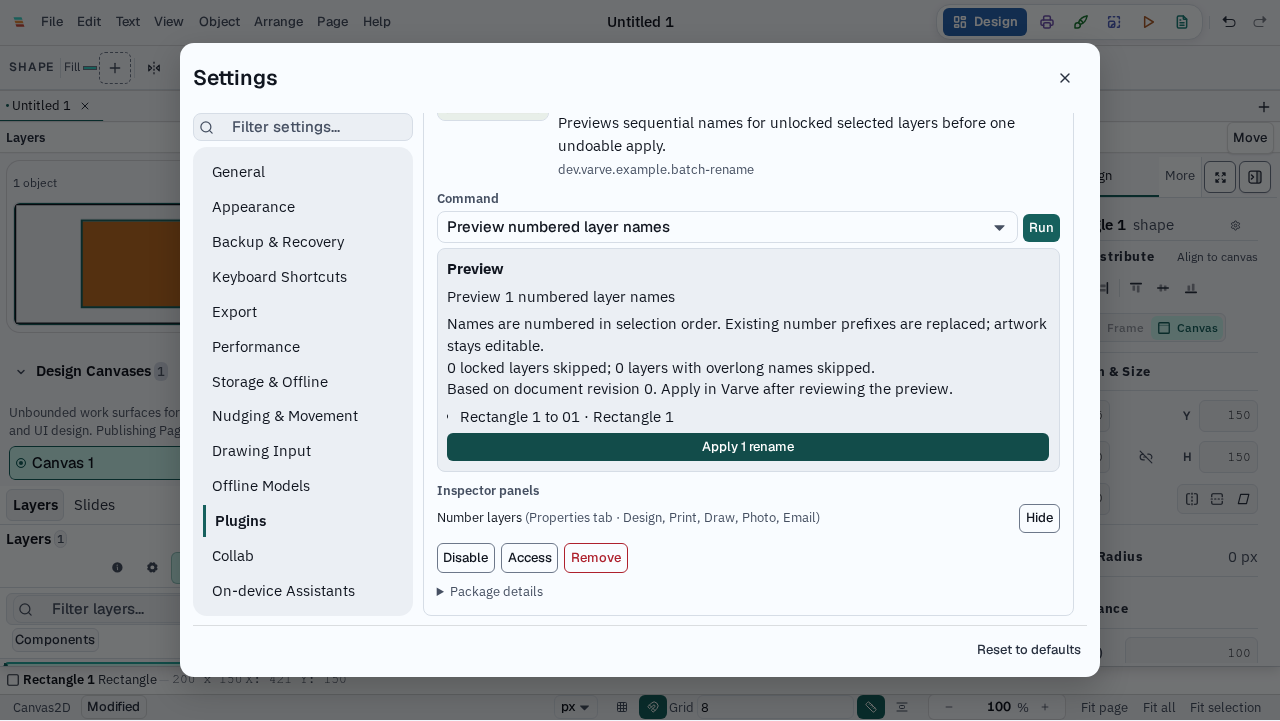
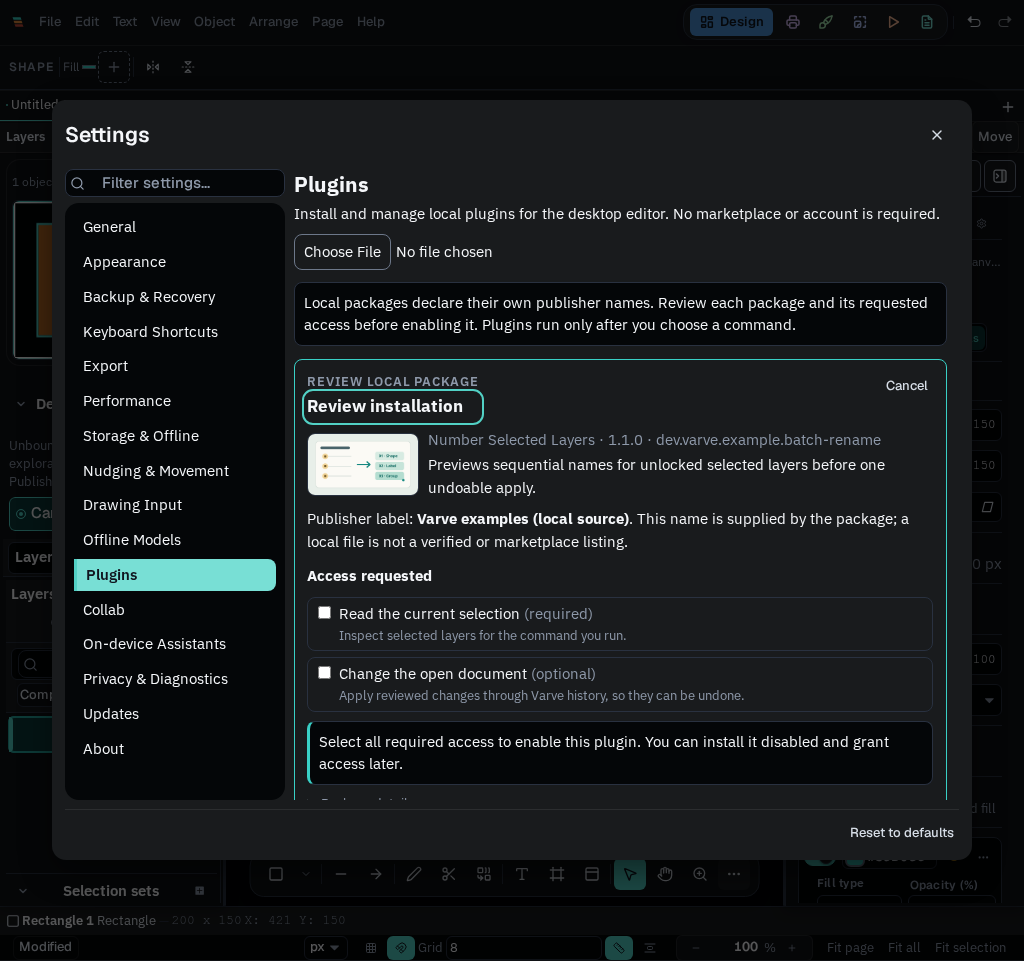
Install a local package, see exactly which document access it requests, and run it when you choose. Varve shows proposed edits before applying them through ordinary undoable document history.
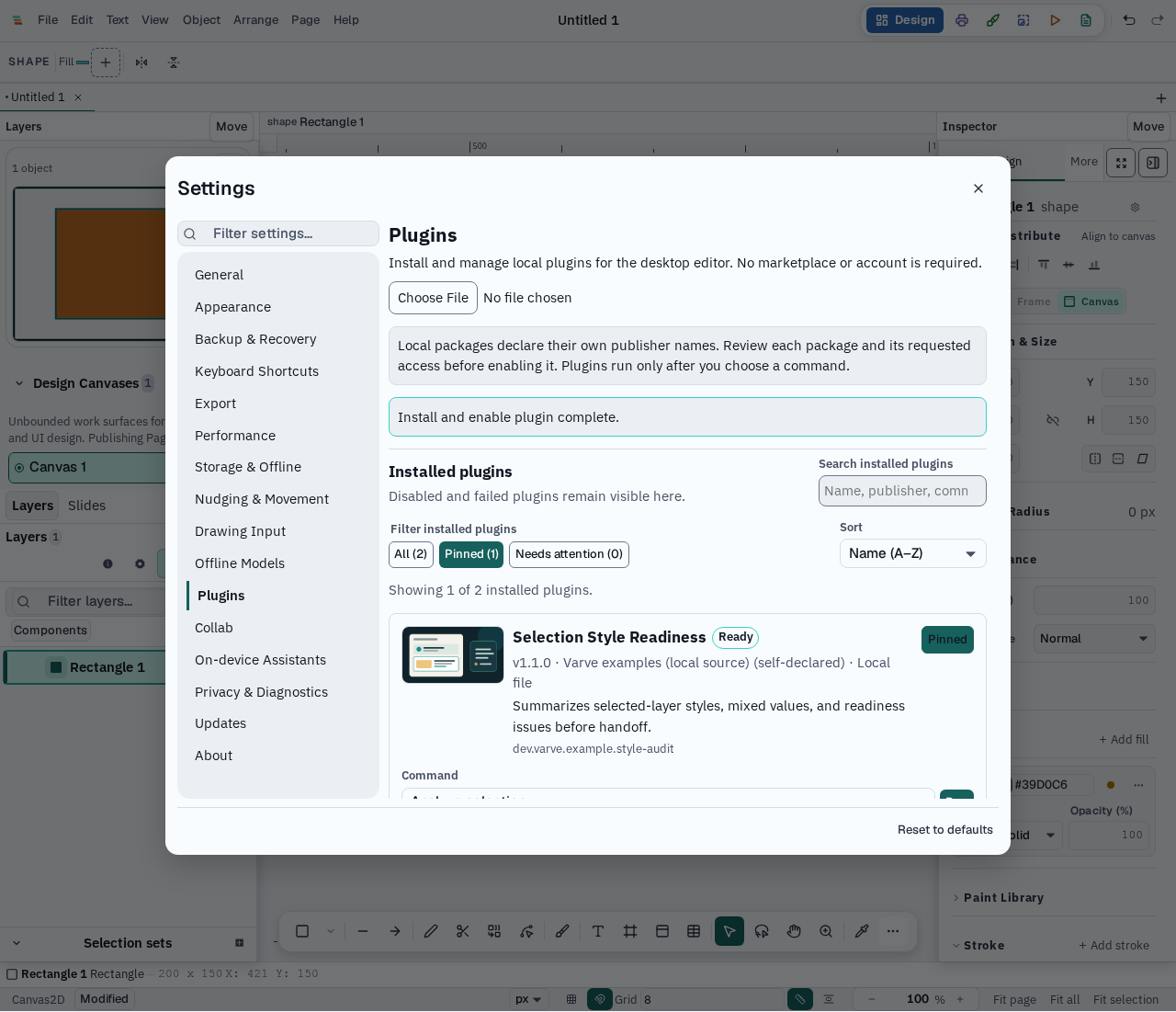
Open Settings → Plugins, or choose File → Manage Plugins, and select a local .varveplugin file. No account or catalog is required.
See the package's claimed publisher, version, checksum, commands, and required or optional permissions. Grant only the access you want.
Run a command against selected layers. Analysis stays read-only; batch renames need a separate Apply action and can be undone.
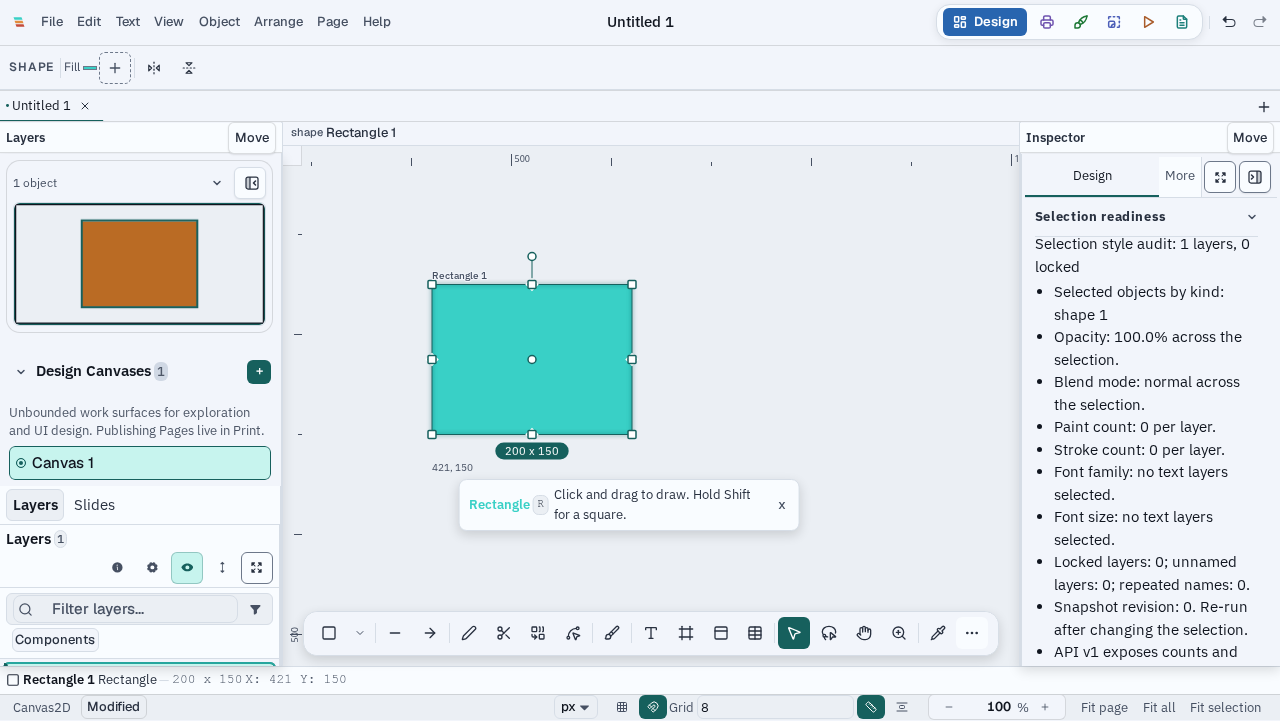
Two source examples demonstrate the contract: Selection Style Readiness summarizes selected-layer style properties, and Number Selected Layers proposes names for unlocked selected layers. Contextual results can appear in the Properties Inspector. You can stop a running job, disable or remove a package, and keep edits already committed to the document.
Recognize packages by their optional accessible thumbnail and short description. Search installed plugins by name, publisher, command, or description; pin the ones you use often, filter by pinned or needs-attention status, and sort by name or install date. The manager keeps the complete local inventory available without a remote catalog.
Plugin logic is WebAssembly with a narrow memory-only import, run in a short-lived worker. The editor renders plugin results as text and checks every proposed rename before applying it. Local publisher labels and checksums do not certify that a package is safe or identify its author. Installed packages remain in the local profile for offline management, and a failed update can be restored from its retained previous package.
This is an early local-package API for selected-layer analysis and renaming. It does not provide a marketplace, automatic downloads, arbitrary JavaScript or HTML panels, file or network access, custom drawing tools, or Figma/UXP/VS Code compatibility. Package watching and same-version replacement are not supported. Package artwork is a small static PNG only. A fixed linear-memory ceiling does not cap the whole browser or operating-system process. Platform-specific desktop verification is still in progress; consult the guide before using a package with important work.