Denoise
Reduce sensor noise and grain while preserving the alpha channel and keeping the source available for comparison.
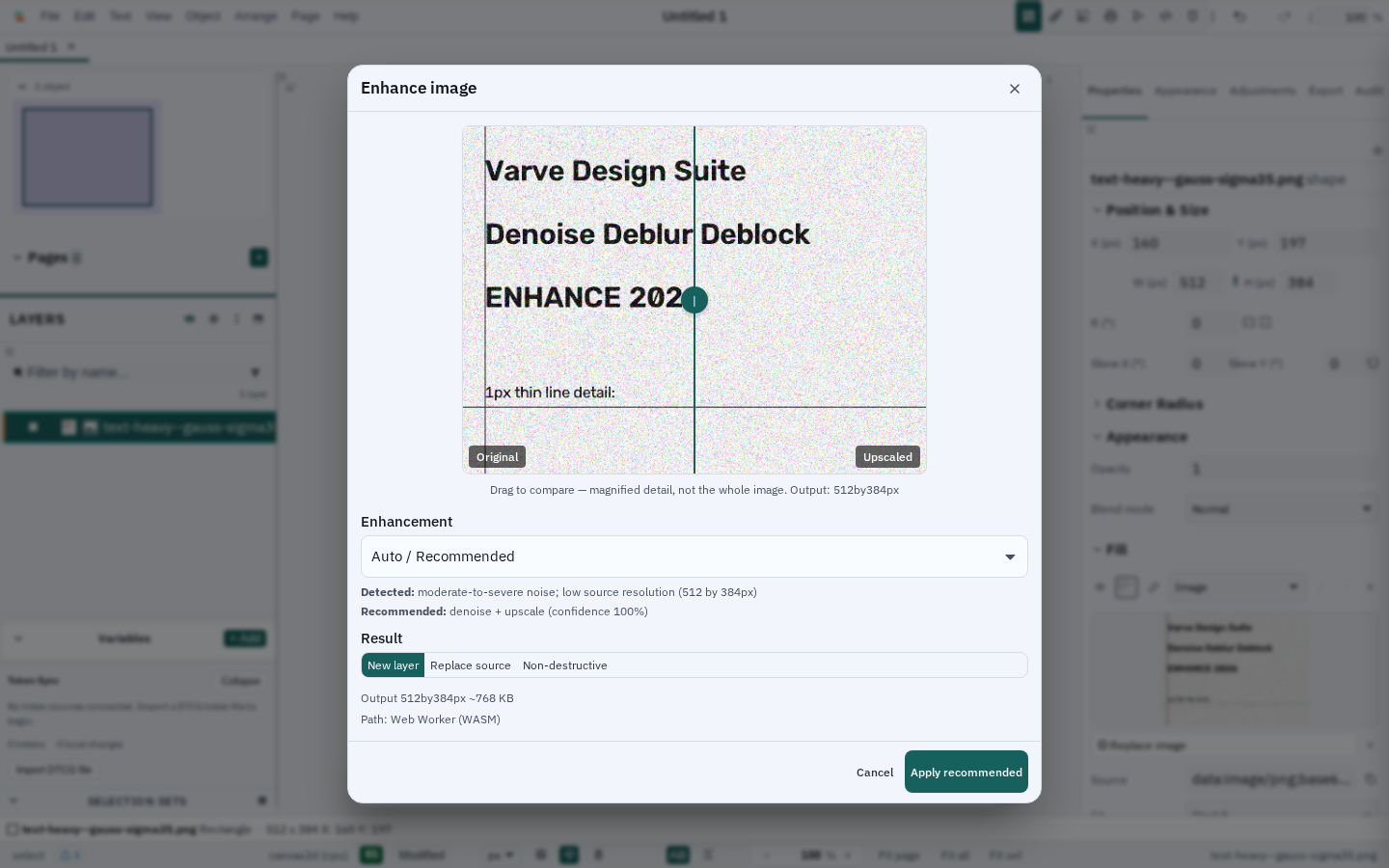
Denoise, upscale, or combine both in one focused workflow. Varve keeps restoration local, bounded, and explicit about what each operation can do.
One workflow
Choose the task you actually need. Denoise uses a task-specific local model; Deblur reduces motion and defocus blur with a validated model; Upscale uses the existing CPU or AI path; Restore + Upscale runs only those selected stages, in order.
Available today
Reduce sensor noise and grain while preserving the alpha channel and keeping the source available for comparison.
Reduce motion and defocus blur with a validated local model — preview a bounded crop before committing to full-resolution work.
Choose bounded CPU resampling, pixel-art scaling, or the local Real-ESRGAN path for supported image work.
Compose only the stages you selected. Restoration runs before enlargement so noise is not simply made larger.
A quick local analysis suggests what your image actually needs, in plain language, with a confidence number you can override.